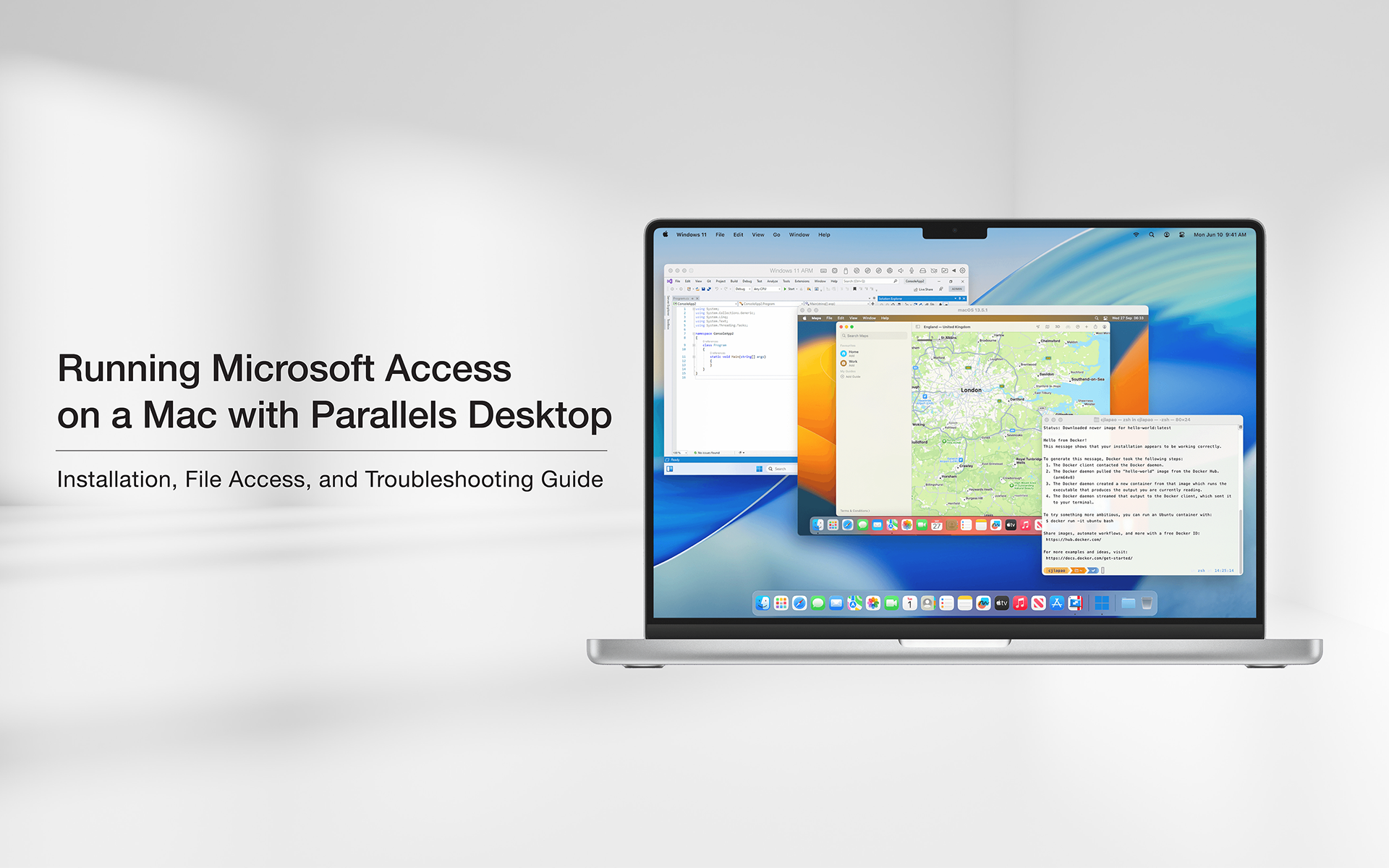
A step-by-step guide to running Microsoft Access on macOS using Parallels Desktop and Windows 11. Designed for non-technical Mac users.
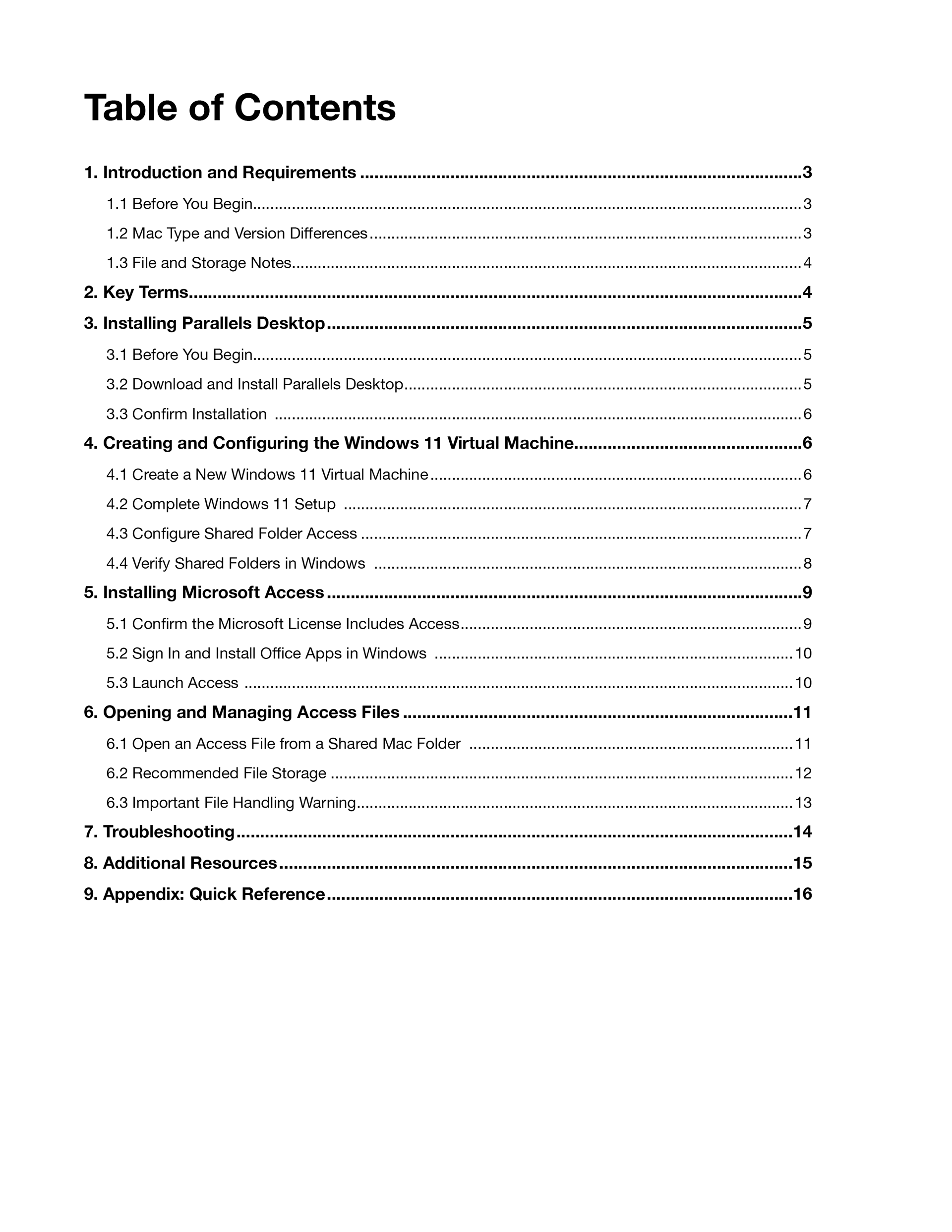
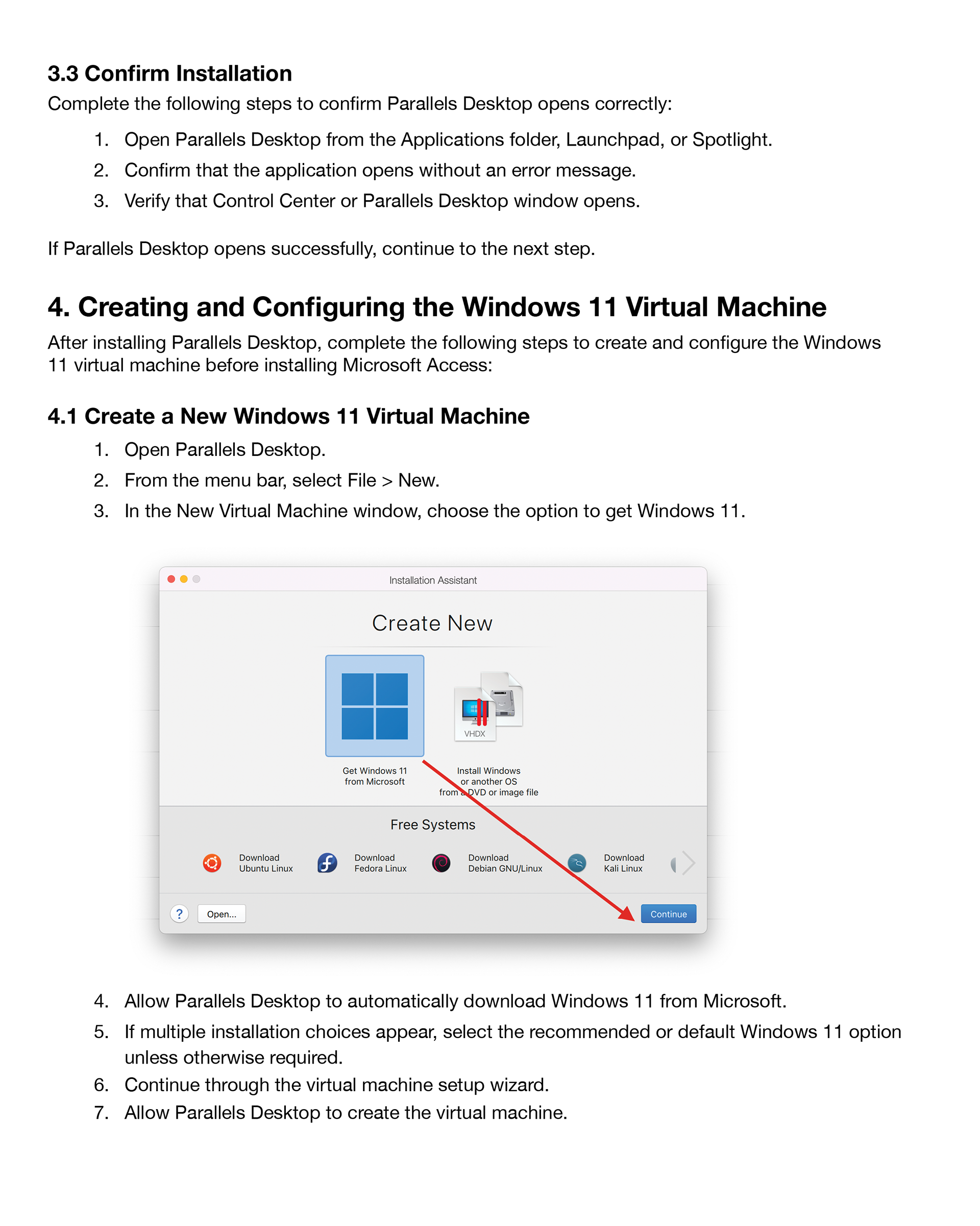
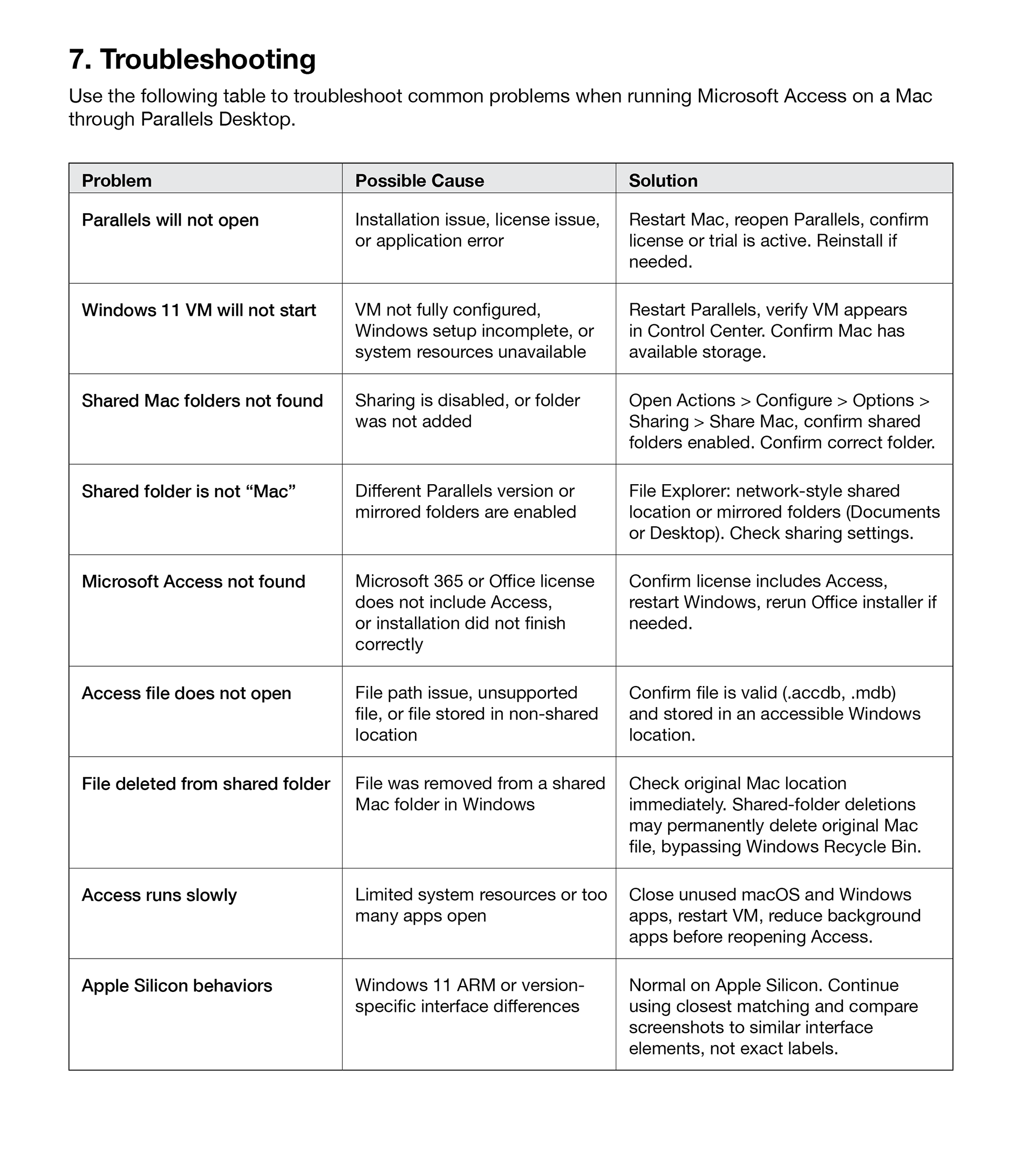
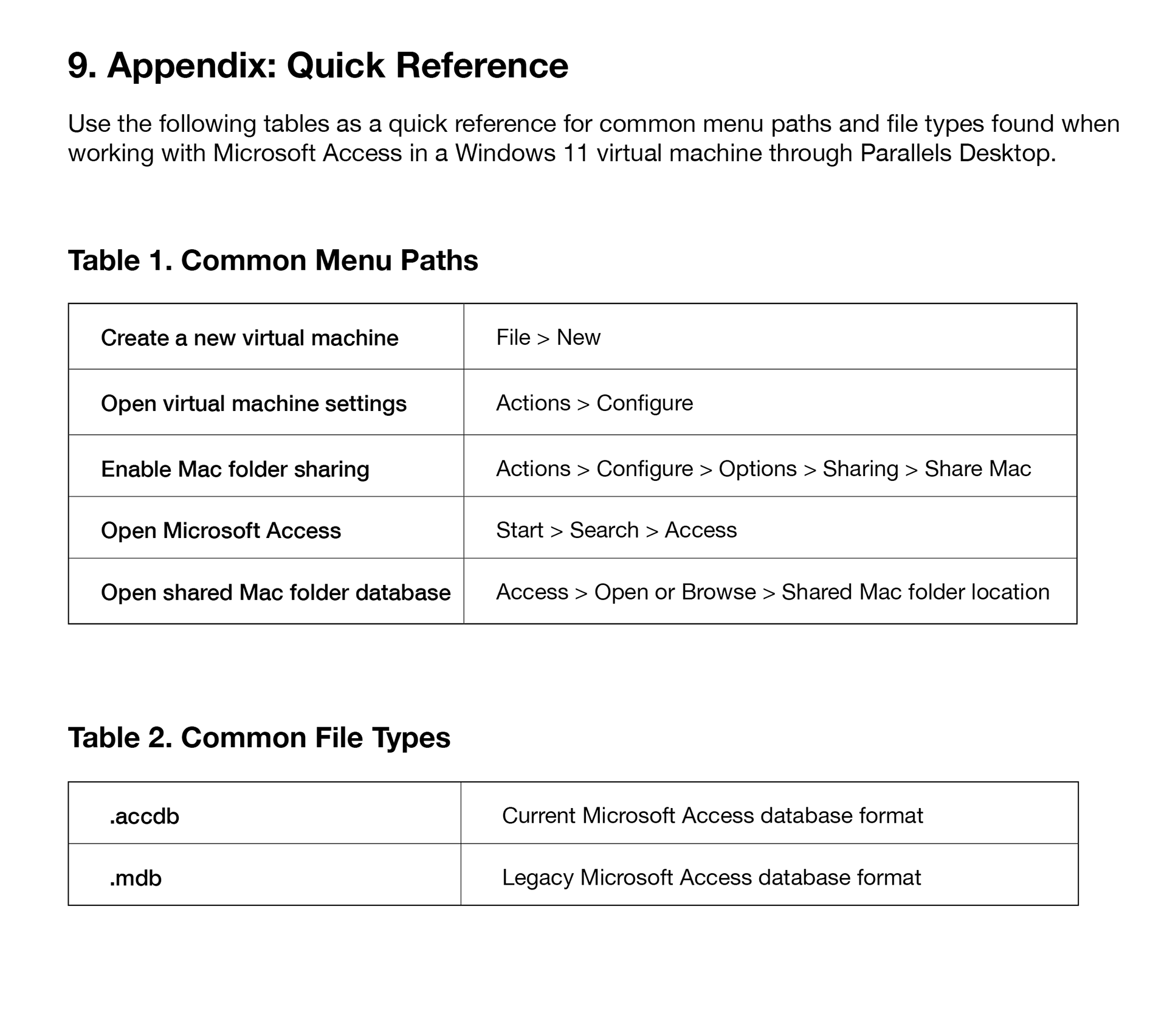
Selected pages showing document hierarchy, procedural instruction, troubleshooting support, and quick-reference materials.
Project Overview
Role
Sole author and designer, responsible for content development, information structure, visual layout, and supporting documentation.
Problem
• Microsoft Access is not natively supported on macOS, creating a barrier for Mac users who need to run Windows-based applications.
• Existing setup guidance is fragmented, overly technical, or assumes prior knowledge.
• Users are left to piece together multiple sources to install Parallels and configure Windows to get Access running correctly.
Approach
• Broke the process into a clear, sequential workflow covering installation, configuration, and use.
• Structured the guide for non-technical users, minimizing assumptions and explaining key steps where needed.
• Integrated screenshots and visual cues to support each stage of the process.
• Included troubleshooting and quick-reference sections to reduce friction during setup and use.
Outcome
• Delivered a clear, structured guide that replaces fragmented setup instructions.
• Simplified the process of installing and configuring Parallels, Windows, and Microsoft Access on macOS.
• Established a repeatable workflow supported by screenshots and troubleshooting.
Tools Used
Microsoft Word, Microsoft Excel, Adobe InDesign 26, Adobe Photoshop 26